

License Activation
Right after activating the plugin, you will see a notification “activate the license”. The license activation is only required to receive automatic updates.
If you are done with testing the plugin and sure to use it on your live server, only then you should activate the license.
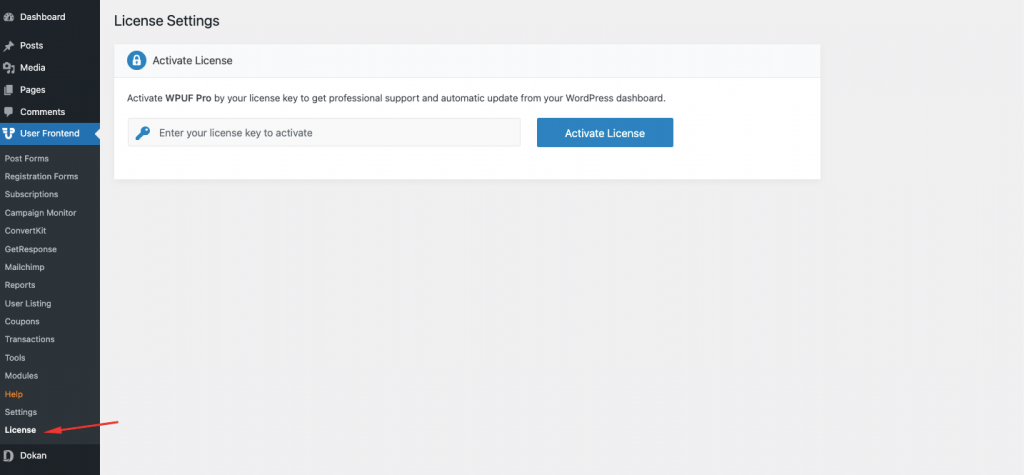
Steps to activate the license
Section titled “Steps to activate the license”- If you are not already logged in to your admin panel, please log in first.
- Go to User Frontend → License. You will see two fields for your email and license key.
- You will find the license keys on your weDevs account dashboard.
- Write the email address you used to purchase the plugin and copy and paste the license key from the weDevs Dashboard.
- Now click “Save and Activate”.
If you have used the license key before anywhere, then you need to open a support ticket asking to reset the key. Deleting from your site is not sufficient.
← Previous: Installing WP User FrontendNext: Configuring General Options →