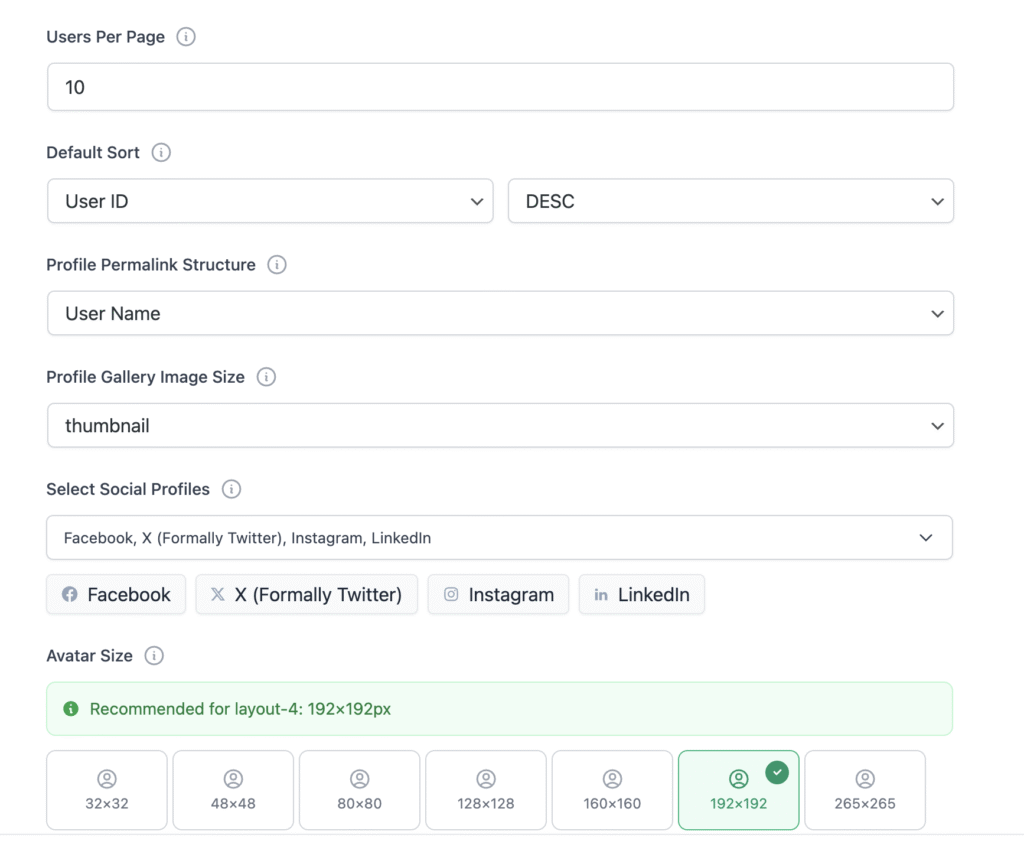

Step 5 : Advanced Control
In the last step, you define some behavior of your directory.
Users per Page: Set how many users will be displayed per page in this directory (Default: 10)
Default Sorting Field: Select the field by which users will be sorted by default. Supports standard WordPress fields and custom meta
Profile Permalink Structure: Set how profile links are generated: use username (e.g., john-doe) for readable URLs or user ID (e.g., 123) for system-based links
Profile Gallery Image Size: Select the default size for profile gallery images. Check infotip.
Select Social Profiles: Select the social media fields to display and ensure the corresponding WPUF social fields are configured in the WPUF Account
Avatar in Table Layout: Enable or disable avatars for the table layout to control how compact the user listing appears
Avatar Size: Set the avatar size to display in directory layouts (this does not affect individual user profiles)