
Insert/update checkbox or radio field data as serialize
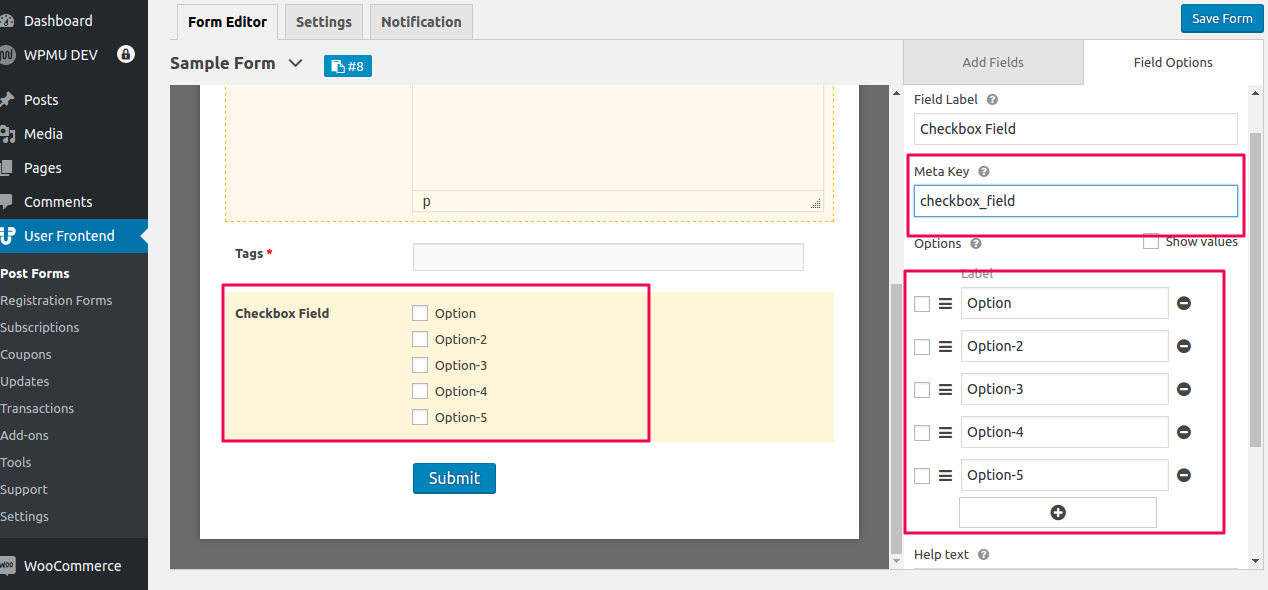
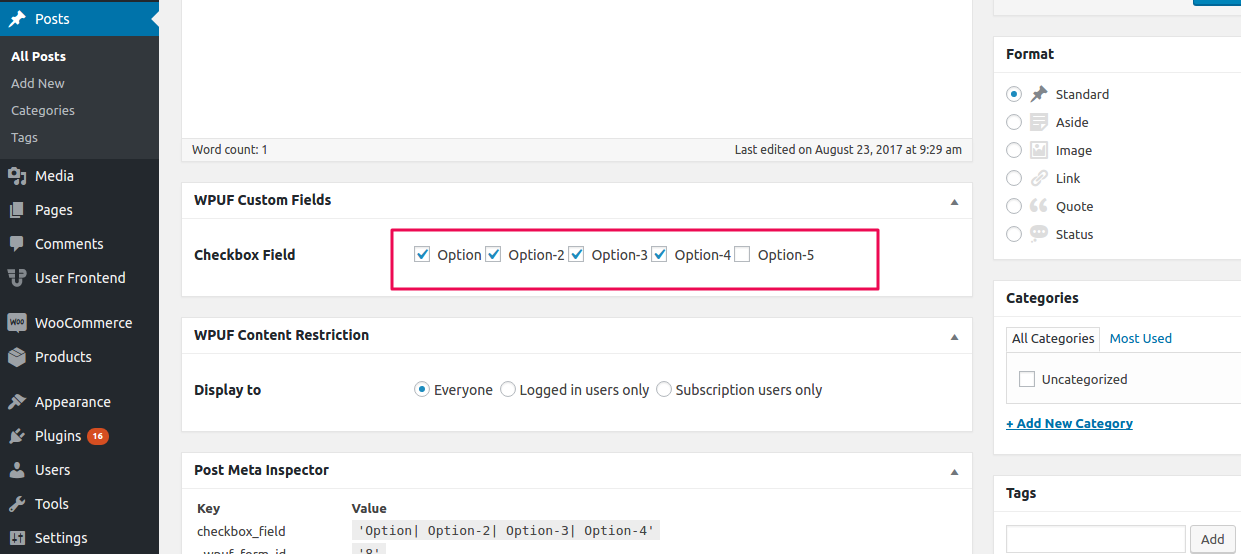
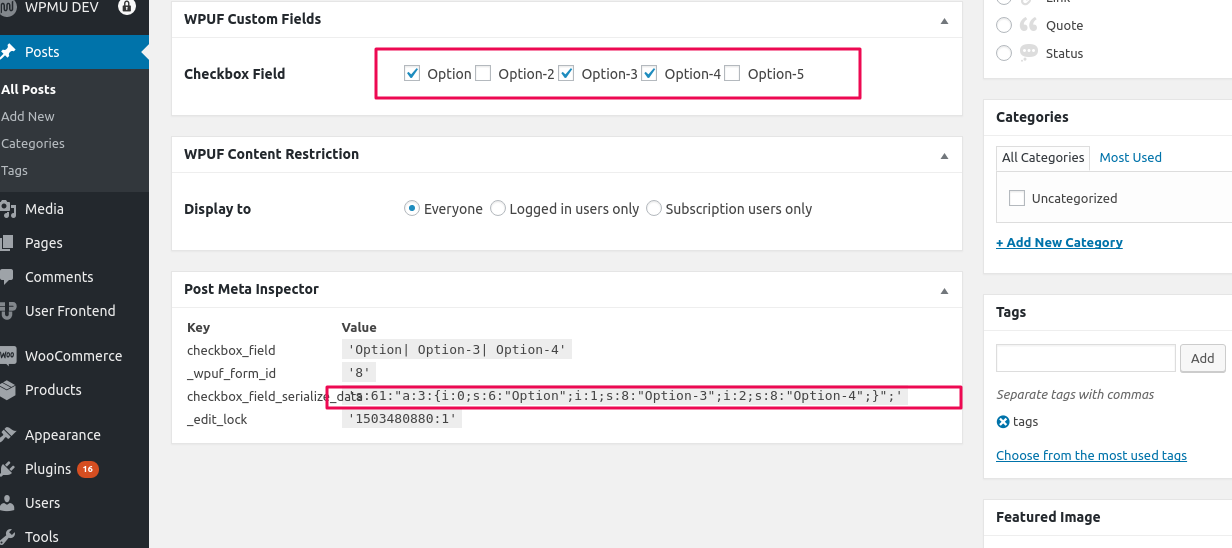
WP User Frontend inserts/updates the checkbox or radio field data as a string by default. However, you may need to change this default behavior to use in other purposes. So, if you are looking for a guideline to do that then see the following code example. You have to include the following lines of code toward the end of your functions.php file, which is located in your theme folder.
function wpuf_update_serialize_data( $post_id ) { $data = get_post_meta( $post_id, 'checkbox_field', true ); $pieces = explode( "| ", $data ); $serialize = maybe_serialize( $pieces ); update_post_meta( $post_id, ‘checkbox_field_serialize_data’, $serialize );}add_action( 'wpuf_add_post_after_insert', 'wpuf_update_serialize_data' );add_action( 'wpuf_edit_post_after_update', 'wpuf_update_serialize_data' );It will update/insert a checkbox or radio field (containing checkbox_field meta key) data as serialized to the database. You should replace the checkbox_field meta key with the meta key you have with checkbox/radio field in the form.