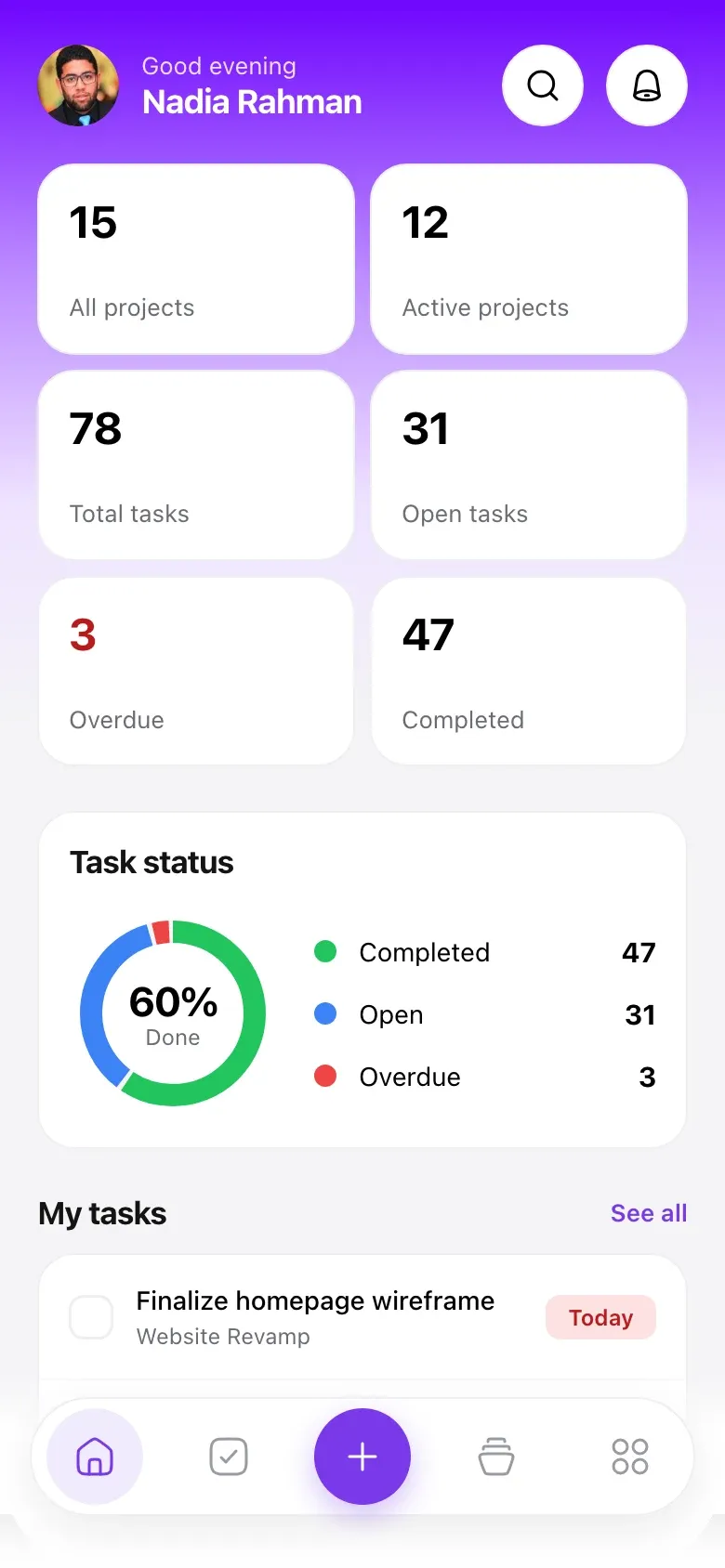
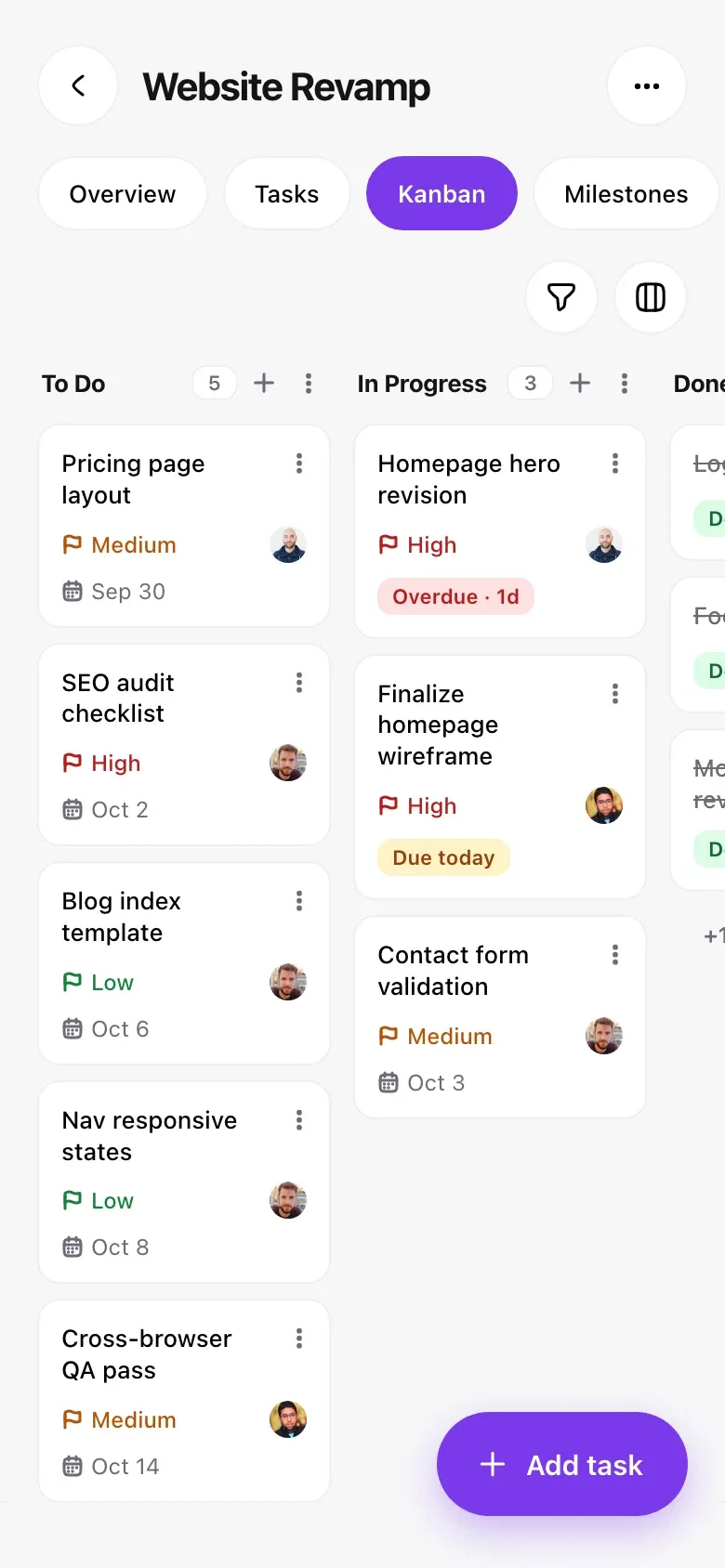
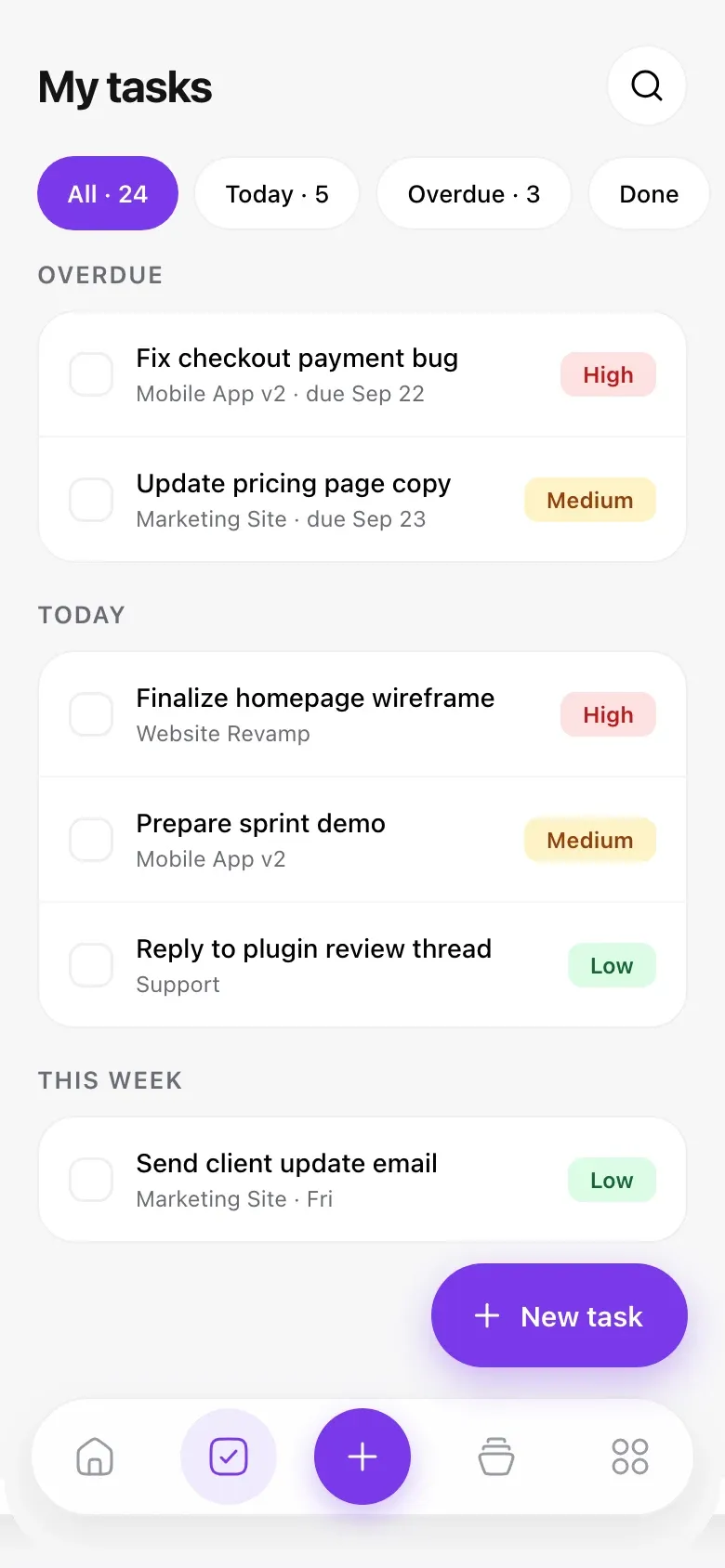
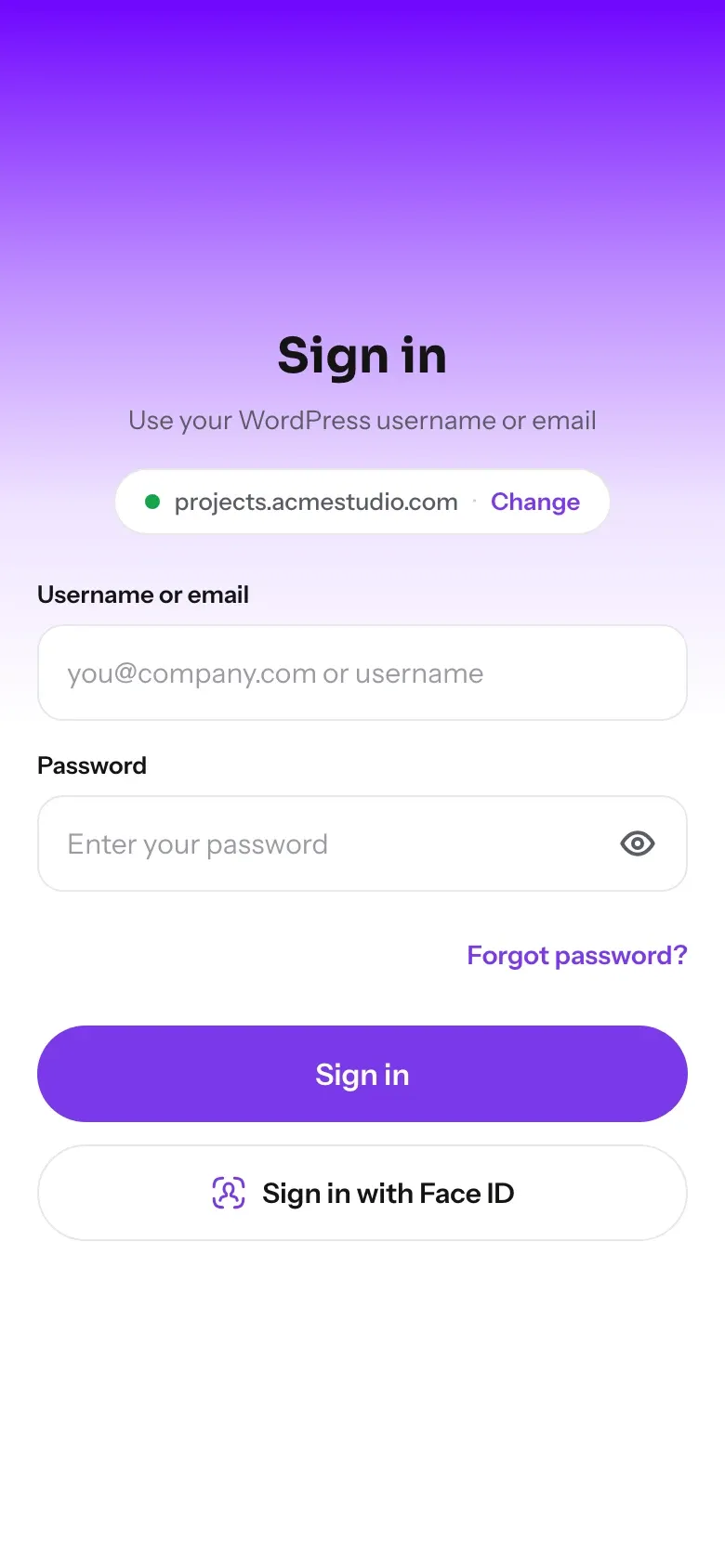
Check off tasks, run timers, move Kanban cards, reply to your team and send invoices from your phone. The app is free, and it gives you every feature in the WP Project Manager plan you already have.
Do I need the WP Project Manager plugin to use the app?
Yes. The app is a companion to the WP Project Manager plugin and works with the projects on your WordPress site. You also need the weDevs AppBridge plugin on the same site, which handles the secure connection and sign-in.
Does the app work with the free version of the plugin?
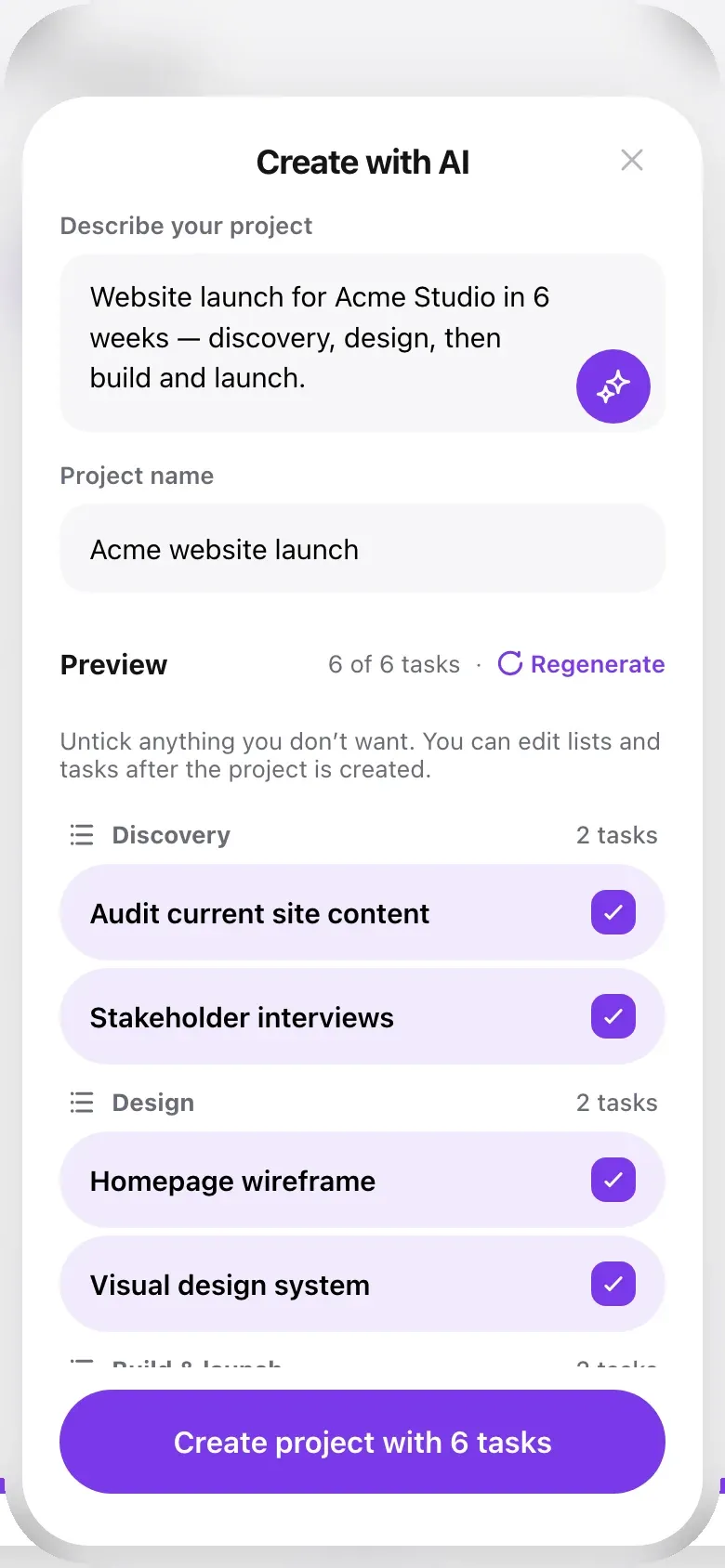
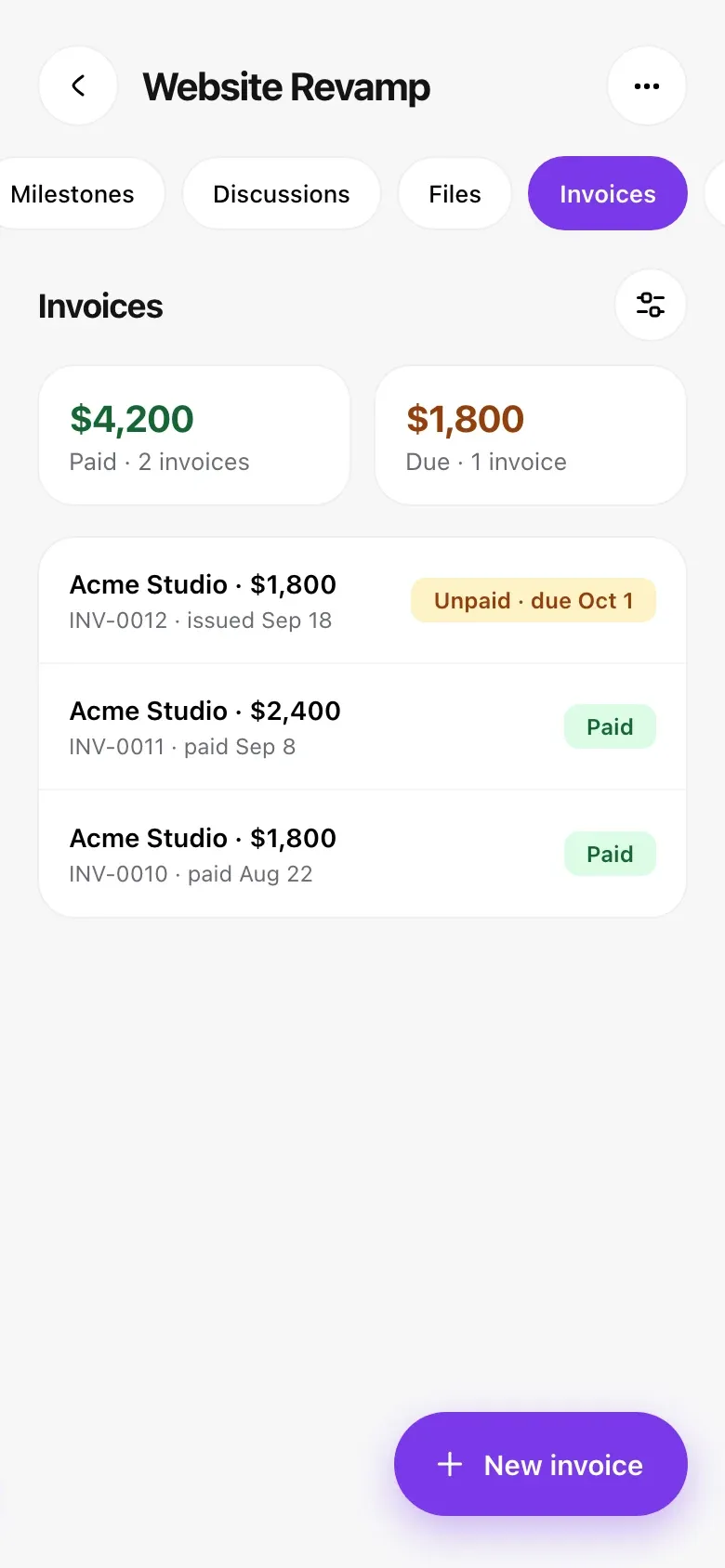
Yes. Projects, tasks, milestones, discussions, files, Kanban, AI project creation and Trello import all work with the free plugin. Upgrade to any Pro plan and features like Gantt, Time Tracker, Invoices and Sprints appear in the app automatically, still at no extra cost for the app.
Is the mobile app really free?
Yes. Anyone can download it free from Google Play or the App Store. The app shows the features of your site's plan: free plugin users get the free features, and any Pro plan (Personal, Professional or Business) unlocks every Pro feature. There's nothing extra to pay for the app itself.
Can I get the app with my own branding?
Yes. The free app keeps WP Project Manager's default branding and settings. For an app built around your own brand, choose a custom-built app for Android, iOS, or both, on an annual or lifetime plan.
What's the difference between the annual and lifetime custom app plans?
Annual plans are billed per site each year, plus a one-time setup fee. Lifetime is available on the Business plan (Android and iOS): a single payment of $649 per site, with setup included and no recurring annual fees.
Is the app available on both Android and iPhone?
Yes. The free app is available on Google Play for Android and on the App Store for iPhone.
Do Personal, Professional and Business get different features in the app?
No. Every Pro plan includes every Pro feature, in the app and on the web. The plans differ only by how many domains you can use: 1 for Personal, 5 for Professional and unlimited for Business.
Where is my project data stored?
On your WordPress site, the same place it lives today. The app reads from and saves to your site, so anything you change on your phone shows up in WP Project Manager on the web.
Can I try the app before setting it up on my site?
Yes. On the sign-in screen, tap Try demo site to explore the app with sample projects.
Can my clients use the app?
Client access in the app is coming soon. Today, the app is for the people who work on your projects: administrators, managers and co-workers.
Can I connect more than one WordPress site?
You can switch to a different site at any time from the app. You'll be signed out of the current site so you can connect the new one.
Which languages does the app support?
English, French, German, Spanish, Italian, Portuguese, Polish, Turkish and Indonesian.
Is there anything I still do in wp-admin?
Export and bulk tools are available in wp-admin on your site. For everything else you do day to day, the app has you covered, and administrators can even turn modules on and off for the whole site from their phone.
Manage Projects From Anywhere
Smartly manage your work and be more productive, with the WordPress project manager you already trust, now in your pocket.