Simplify User Onboarding with One-Click Social Login.
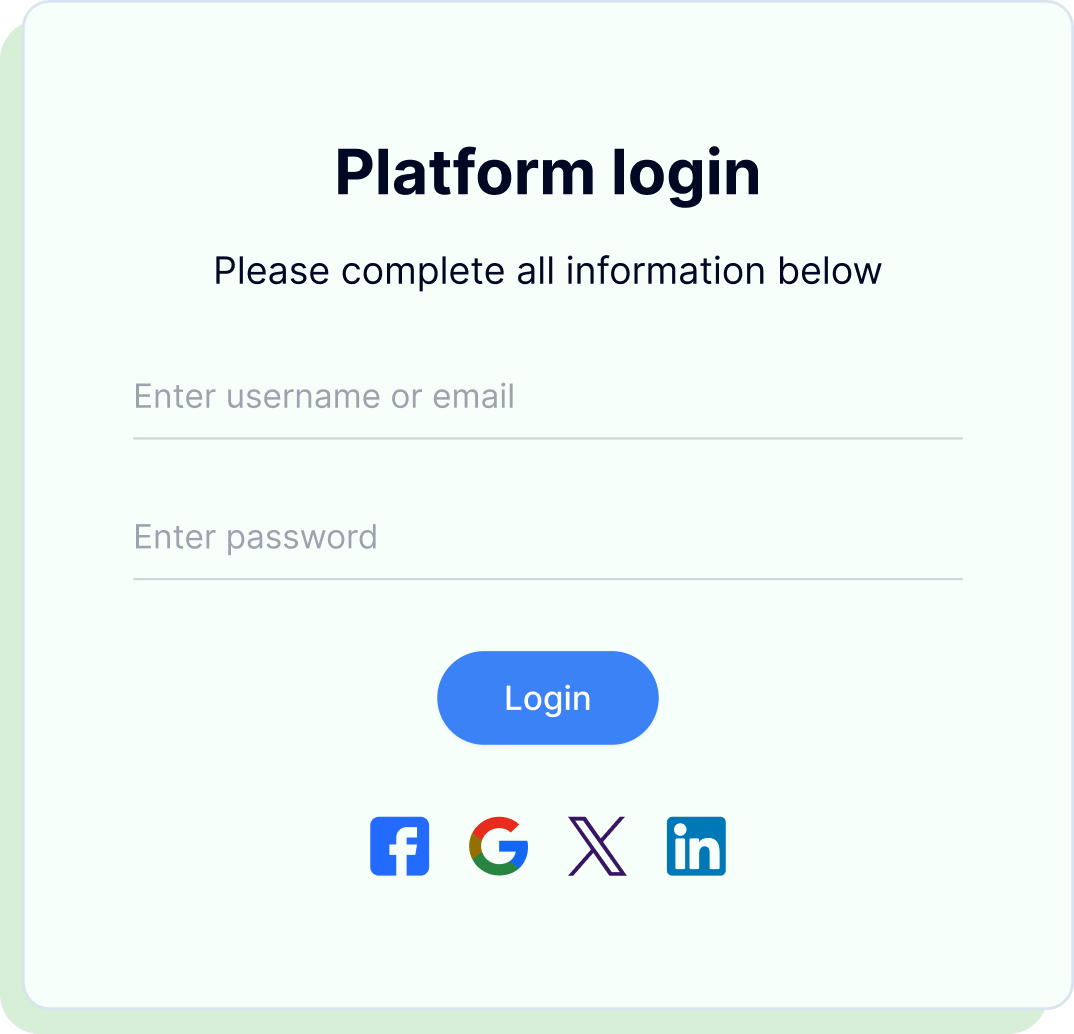
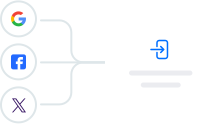
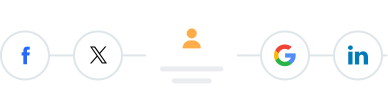
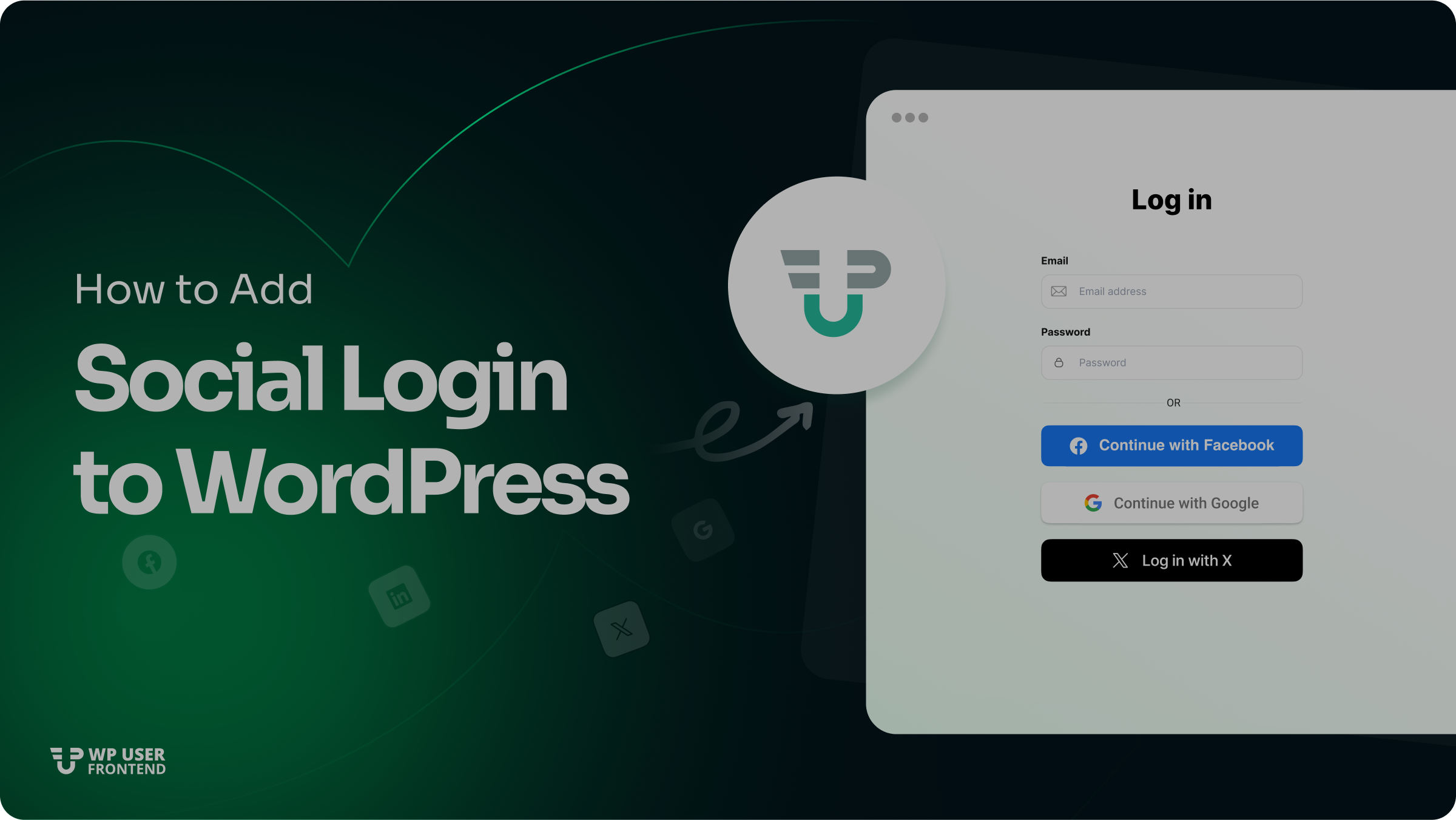
Let your users register or log in using their social accounts like Facebook, Google, Twitter, and LinkedIn.
Eliminate the need for long forms and make your site more user-friendly.
- Personal
- Professional
- Business
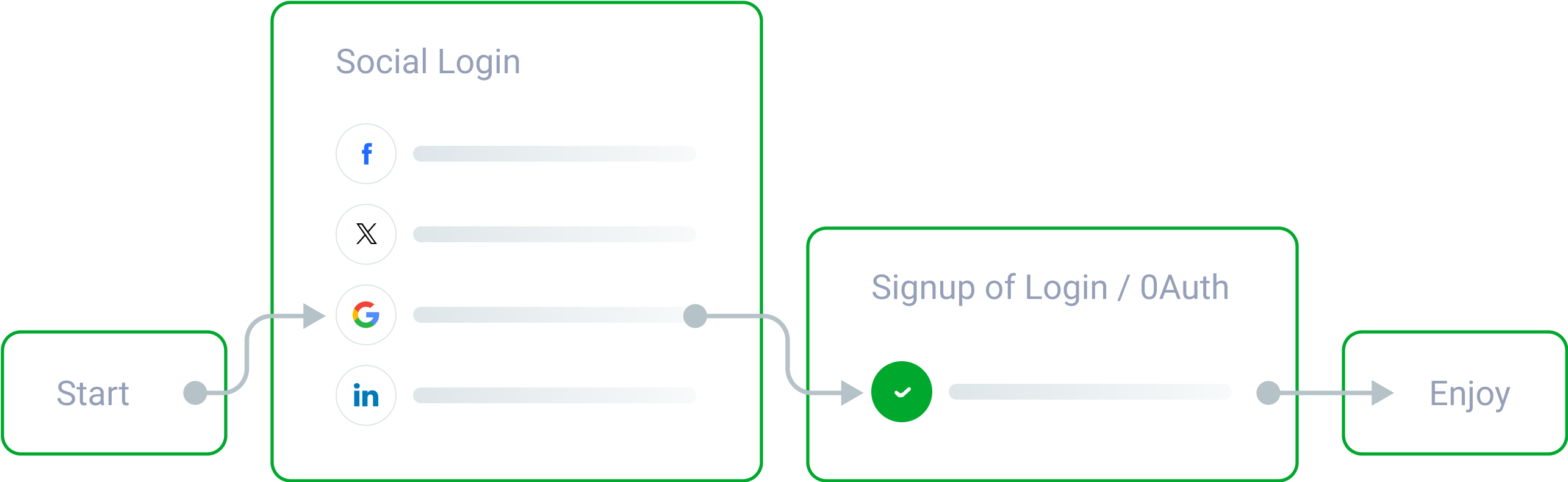
Supported Social Platforms
With WP User Frontend's Social Login module, you can enable the most popular social platforms to authenticate users:
Facebook
Quick access using their Facebook credentials
Google
Ideal for Gmail users and widely trusted
X (Formerly Twitter)
Perfect for creators, bloggers, and influencers
LinkedIn
Great for professional or B2B networks


Why Use Social Login?
Faster Registration. Fewer Barriers. Better Engagement.
Faster Sign-Ups
Higher Conversion Rates
Fewer Fake Accounts
No Password Hassles
Enhanced Security
Rich User Profiles
Competitive Edge


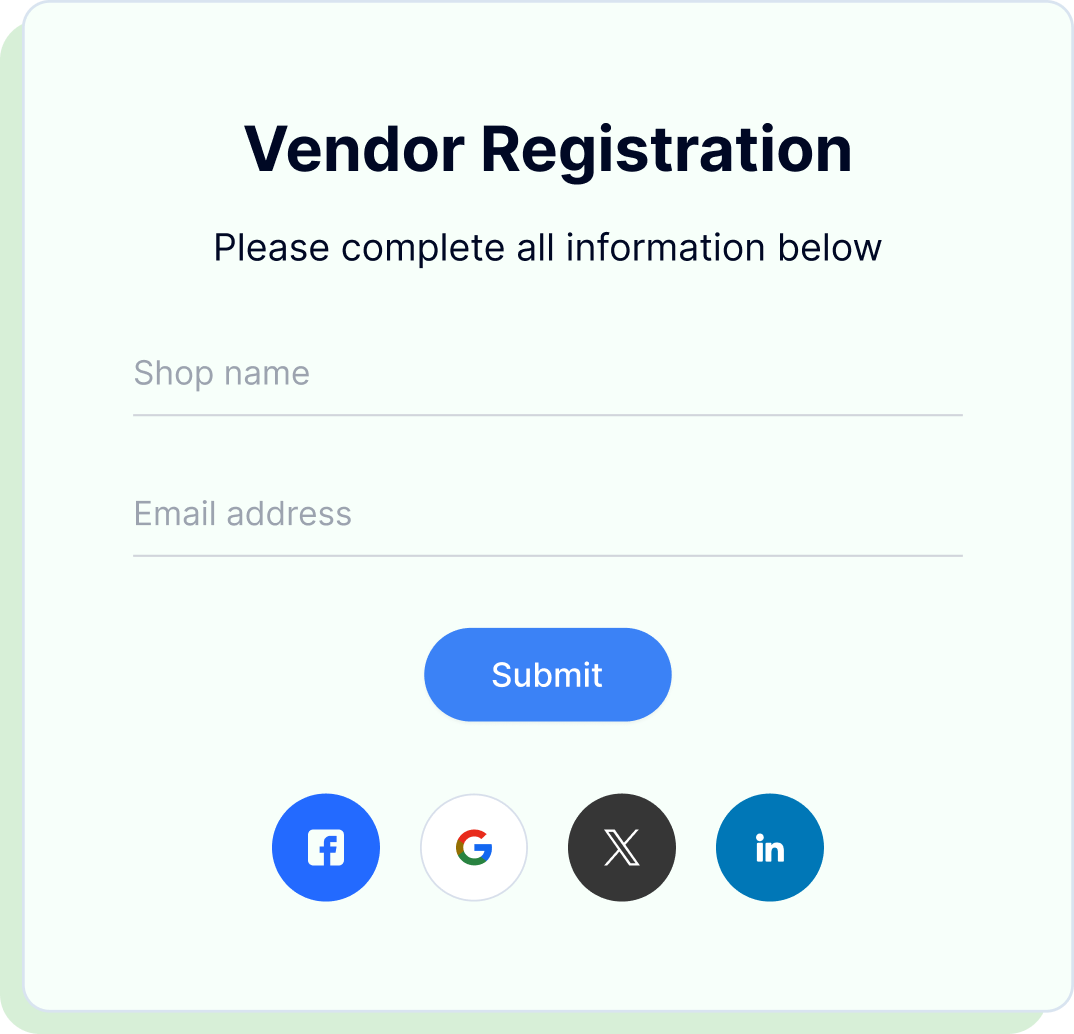
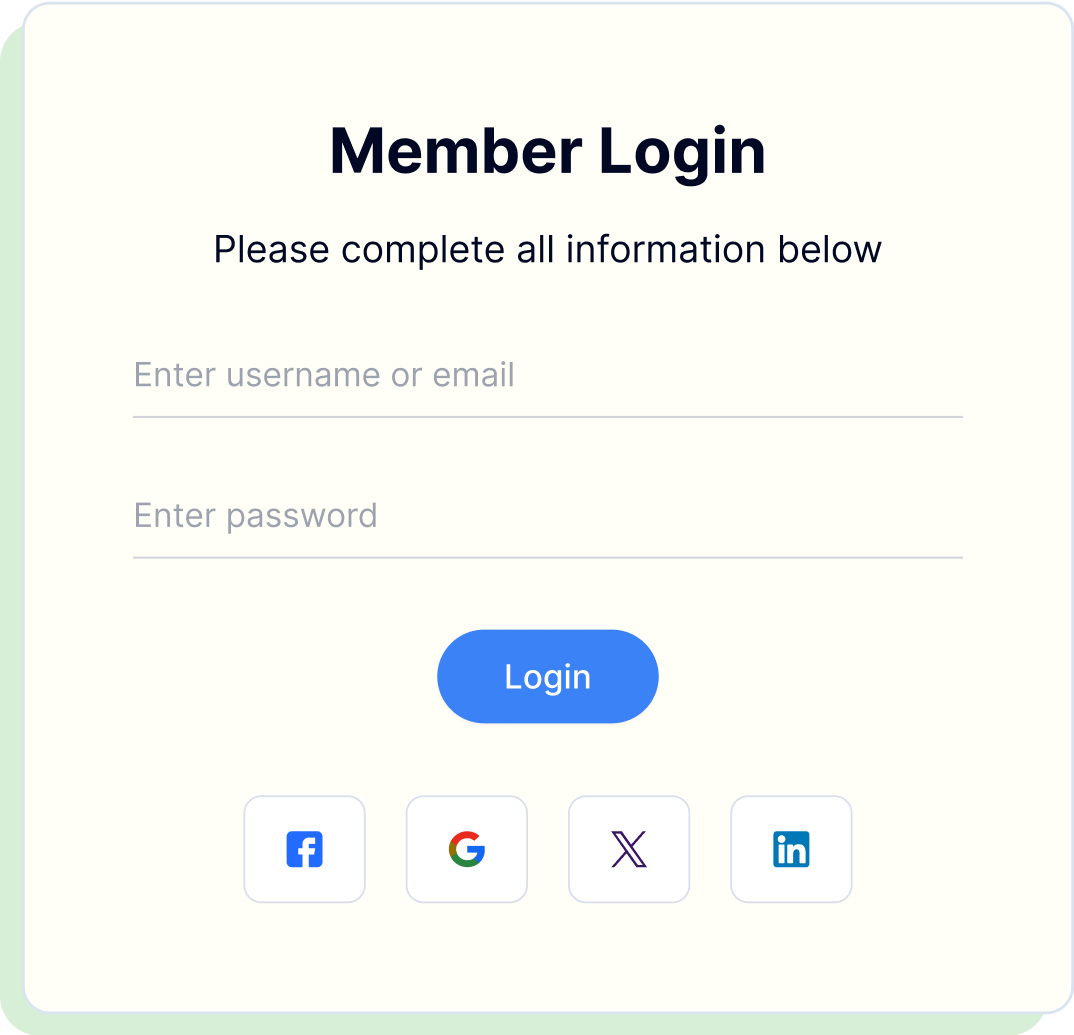
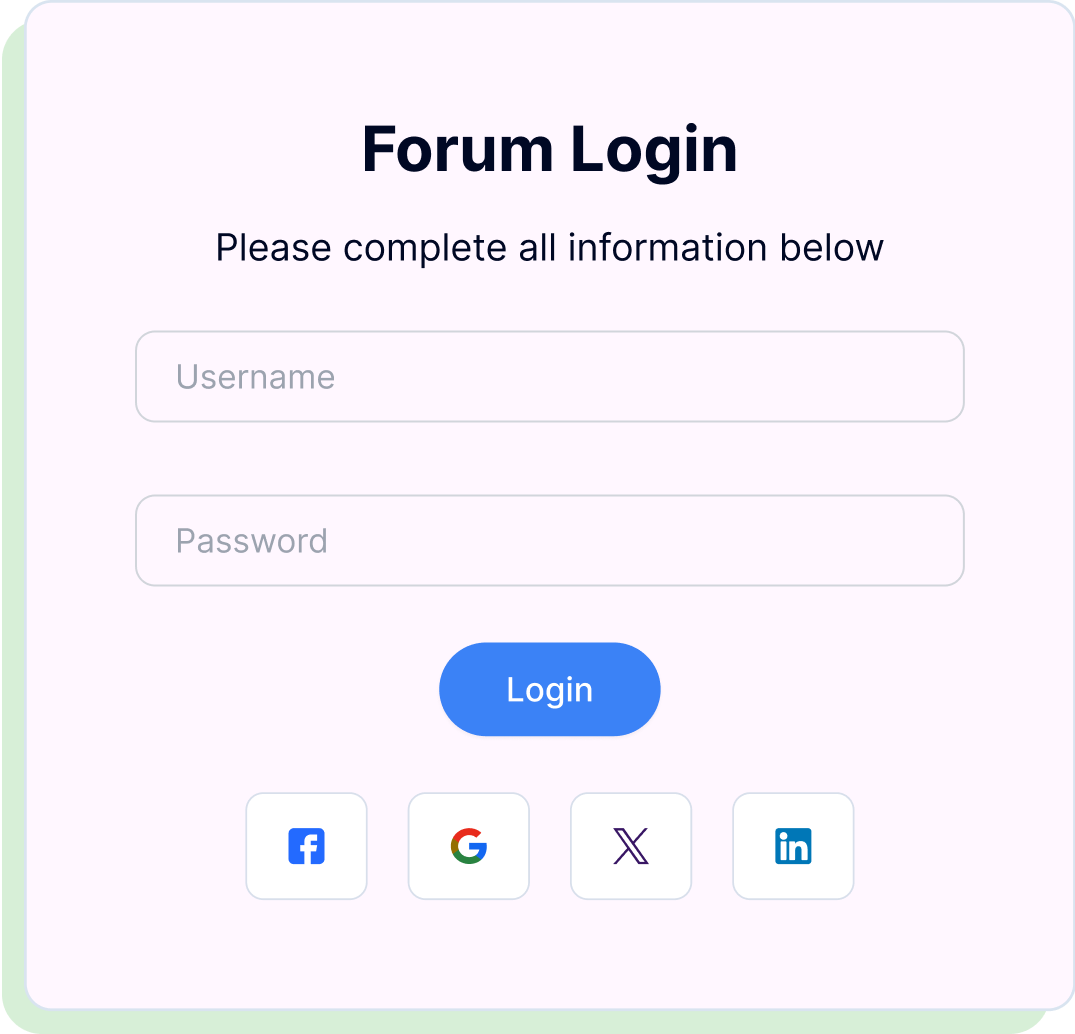
Use Cases for Social Login
Social login is a powerful tool that can help you increase user engagement and retention.
Key Benefits of Social Login
Social login is a powerful tool that can help you increase user engagement and retention.


Quick Setup in Just
a Few Clicks
Activate, configure, and launch social login with zero technical hassle.
- 1
Access Modules
Go to WP Admin → Dashboard → User Frontend → Modules
- 2
Enable Feature
Enable the "Social Login" toggle
- 3
Configure Settings
Navigate to User Frontend → Settings → Social API
- 4
Launch
Social icons will appear below your login form when enabled.
Frequently Asked Questions
Build your frontend forms visually - fast, flexible, and no developer
required with WP User Frontend.
Do I need coding knowledge to set it up?
Is it secure to use social login?
Can I choose which social platforms to enable?
Does this feature work with multi-vendor marketplaces?
Will users still be able to use traditional login?
Make User Access Effortless
Drive more sign-ups and keep real users coming back
enable social login today with wp user frontend and offer your visitors
a seamless and secure way to connect.